


Video Editing Course
Course Description
Our Professional Video Editing Course is designed to help students, creators, freelancers, and working professionals master modern video editing skills with practical training and real-world projects.
Learn industry-standard tools like Adobe Premiere Pro, Adobe After Effects, CapCut, DaVinci Resolve, and AI-based editing tools to create cinematic videos, YouTube content, reels, advertisements, and social media content professionally.
What You’ll Learn From This Course
This practical Video Editing Course focuses on real editing workflows, creative storytelling, motion graphics, transitions, and professional editing techniques used in the media industry.
Adobe Premiere Pro Editing
- Professional Timeline Editing: Learn professional video editing workflows.
- Cutting & Trimming: Master smooth cuts, transitions, and sequencing.
- Audio Synchronization: Edit voiceovers, music, and sound effects professionally.
Adobe After Effects
- Motion Graphics: Create animated titles and professional motion graphics.
- Visual Effects: Learn cinematic VFX and animation basics.
- Text Animation: Create engaging text effects for reels and YouTube videos.
CapCut Professional Editing
- Reels Editing: Create trending Instagram reels and shorts.
- Mobile Video Editing: Learn fast and professional mobile editing workflows.
- Social Media Content: Edit engaging content for YouTube, Instagram, and Facebook.
Color Grading & Effects
- Color Correction: Enhance video quality using cinematic color grading.
- Transitions & Effects: Add smooth transitions and creative effects.
- Cinematic Looks: Create professional movie-style visuals.
AI Tools & Advanced Editing
- AI Video Tools: Learn smart AI editing workflows and automation tools.
- Speed Optimization: Improve editing productivity with shortcuts and AI support.
- Creative Workflow: Build efficient professional editing pipelines.
Real-Time Projects
- Hands-On Practice: Work on real-world editing projects.
- Portfolio Building: Create a professional editing portfolio.
- Client Projects: Learn practical freelancing workflows.
Certification
- Professional Certificate: Receive a course completion certificate.
- Career Support: Get guidance for freelancing and job opportunities.
Career Opportunities
- Video Editor
- YouTube Editor
- Content Creator
- Motion Graphics Designer
- Film & TV Editor
- Freelancer


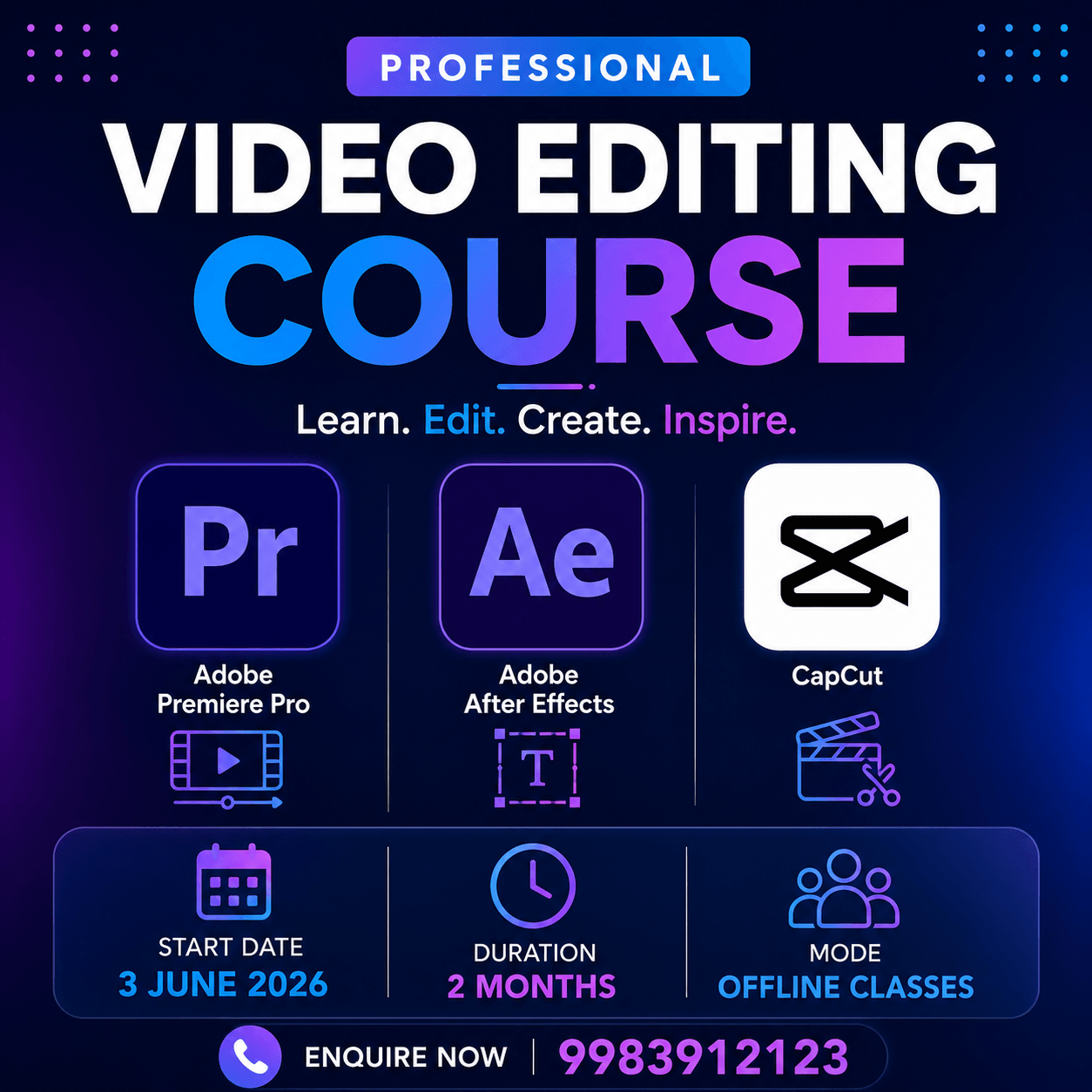
Video Editing Software You'll Learn
Learn industry-standard video editing software and creative tools used by professional editors, filmmakers, YouTubers, and content creators worldwide.

